What is a Passkey and Why is it Better Than a Password
A passkey is a modern authentication method that replaces passwords entirely. Here's how it works and why it's an improvement.
What a Passkey Actually Is
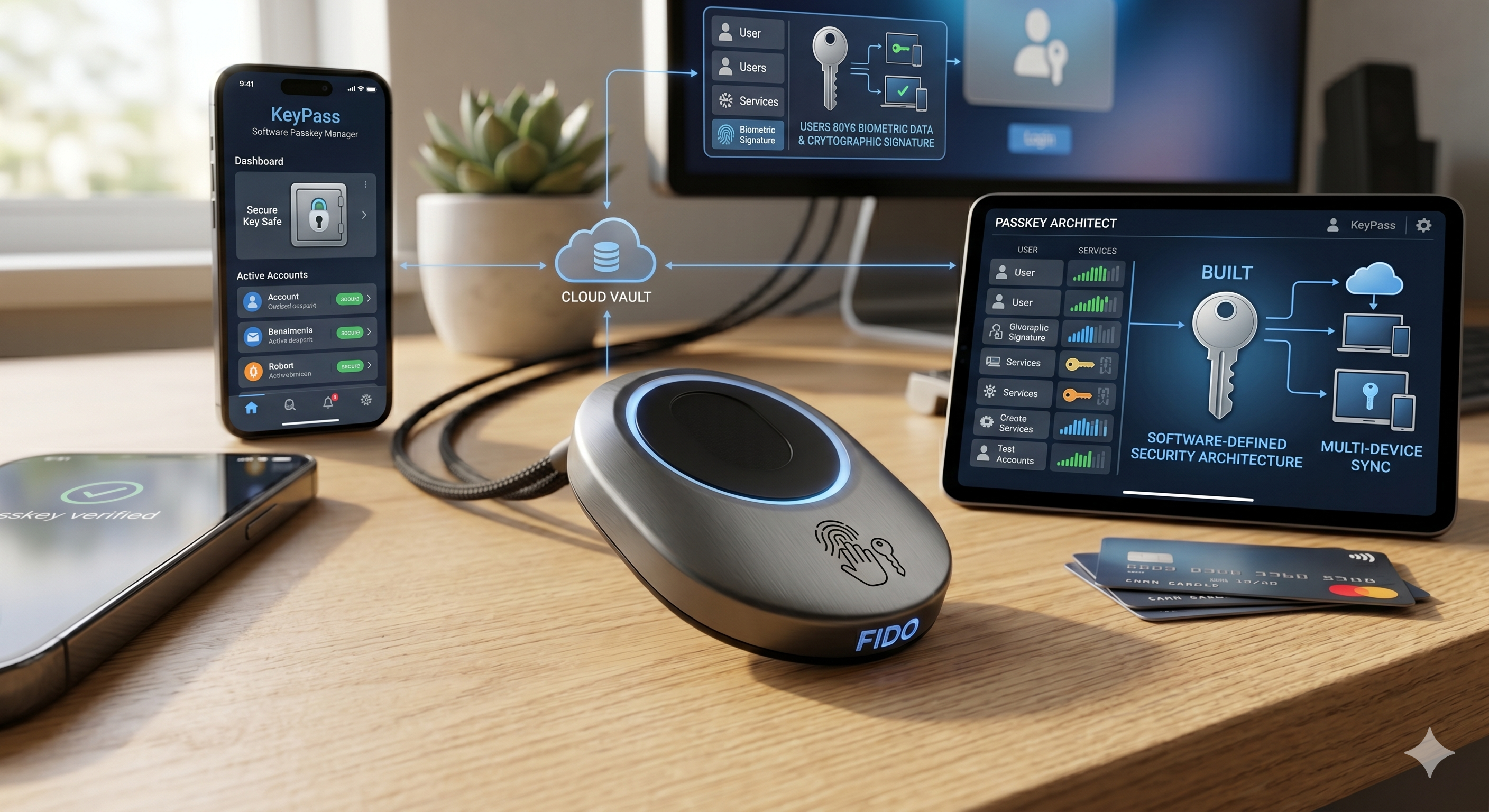
When you create a passkey for a website or app, your device generates a pair of cryptographic keys — a private key (stored securely on your device, never transmitted) and a public key (stored on the website's server). When you log in, the website sends a challenge, your device signs it with your private key, and the website verifies the signature using the public key. You never send a secret — you just prove you have the private key without revealing it.
To "unlock" the private key and complete login, you just use whatever authentication your device already has — Face ID, fingerprint, or PIN. So the experience feels like: tap, glance, done.
Why It's Better Than a Password
Phishing resistance is the biggest one. A password can be tricked out of you — a fake login page looks identical to the real one and you just type your password in. A passkey can't be phished because the cryptographic challenge is domain-specific. Your passkey for google.com simply won't respond to a challenge from g00gle.com. The security is baked into the math, not dependent on you noticing a dodgy URL.
No server-side secrets means that when a company gets breached, there's nothing useful to steal. With passwords, a breach exposes hashed passwords that can often be cracked. With passkeys, the server only has your public key — which is mathematically useless without the private key sitting on your device.
No reuse problem — one of the biggest real-world vulnerabilities is people using the same password across many sites. Passkeys are unique per service by design, so there's nothing to reuse.
No weak passwords — humans are terrible at creating strong passwords and remembering them. Passkeys are cryptographically strong by default because a computer generates them.
The Catch
The main drawback is device dependency. Your passkey lives on your device, so if you lose your phone and have no backup, recovery can be painful. In practice, platforms like Apple, Google, and Microsoft sync passkeys across your devices through their ecosystems (iCloud Keychain, Google Password Manager), which solves this for most people — but it also means you're trusting those platforms with your credentials.
There's also the transition problem: most of the internet still runs on passwords, adoption is gradual, and you'll be managing both systems for years yet.
But directionally, passkeys are one of the clearest genuine improvements in everyday security in a long time — they make the right thing (strong, unique, phishing-resistant authentication) also the easy thing.